QIROBITE PAINT
Qirobite Paint
Hey! Welcome to Qirobite Paint.
What You Can Do
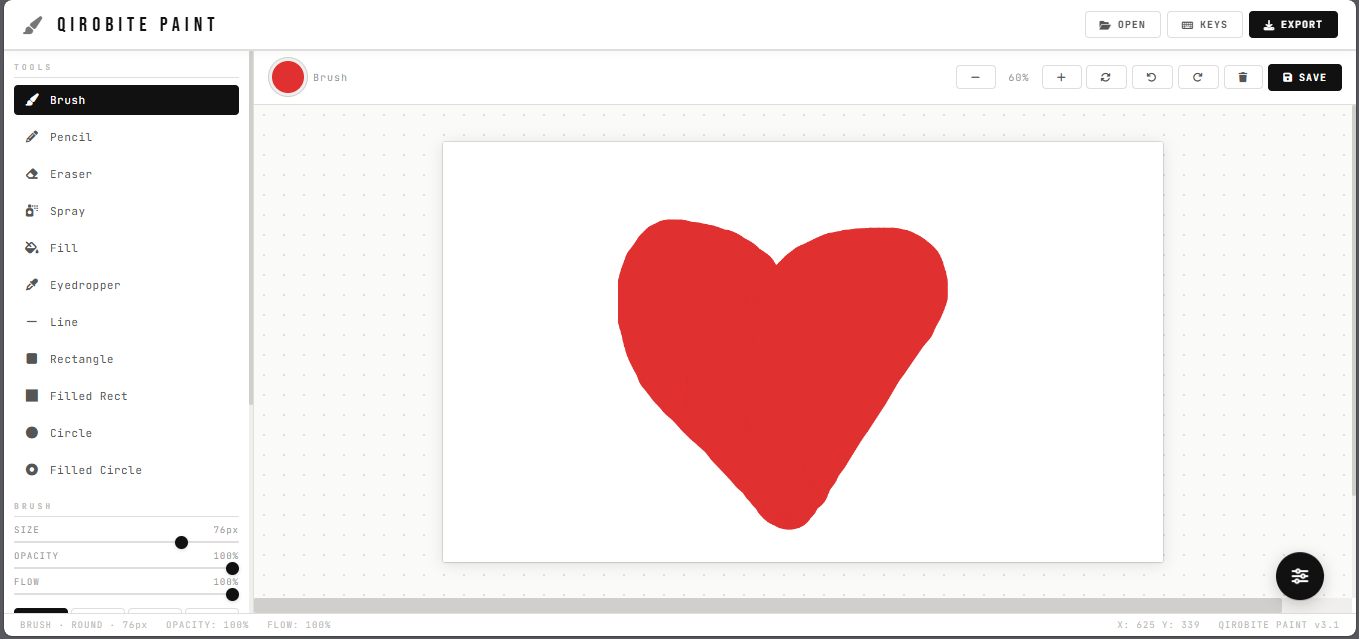
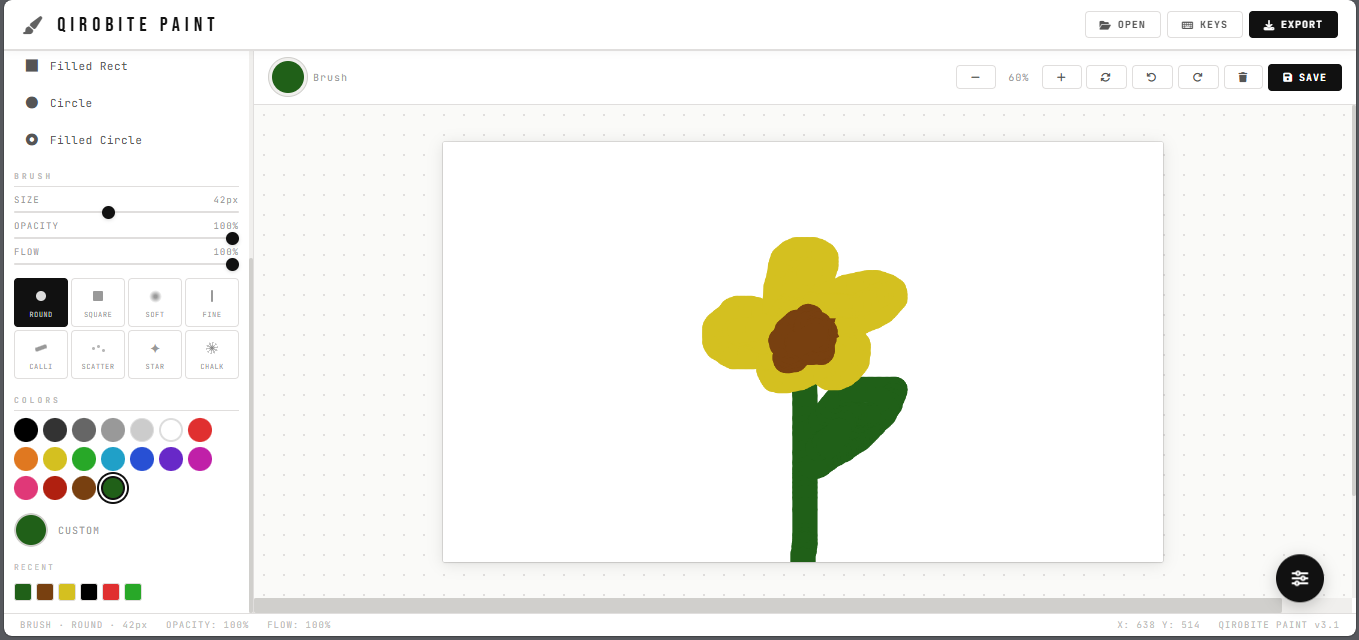
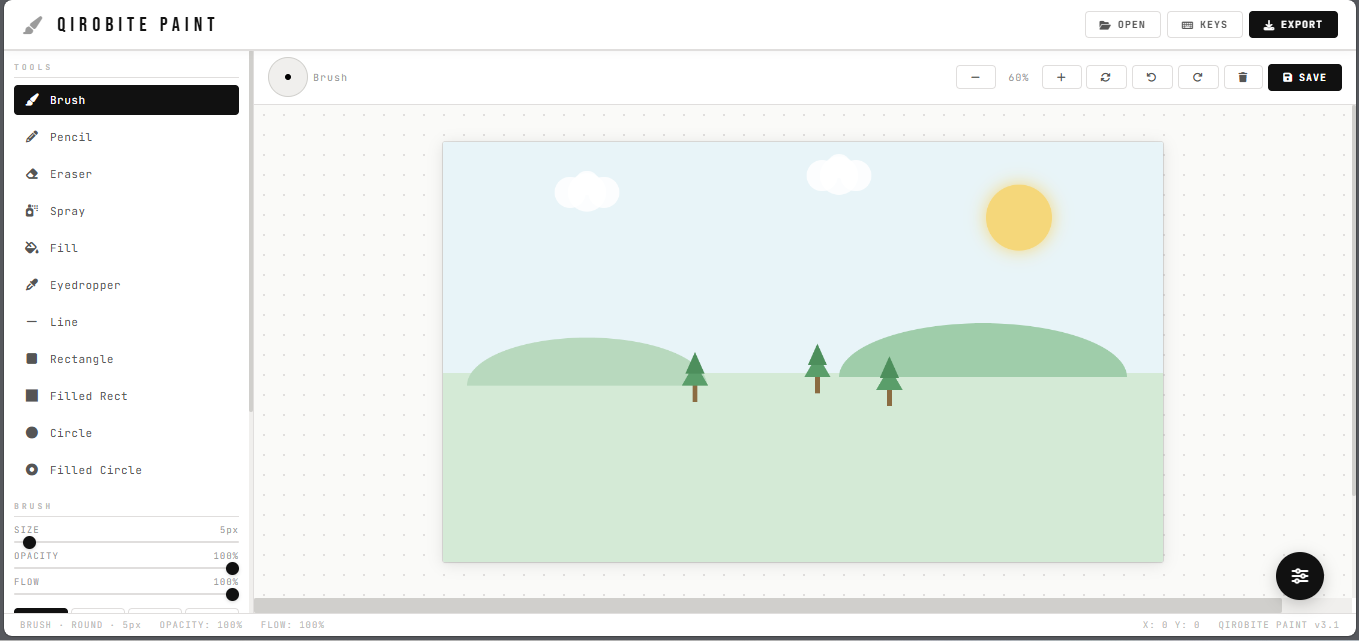
- Brushes — Round, square, soft, fine, calligraphy, scatter, star, chalk. Eight to play with.
- Colors — Pick from the palette or dial in your own custom color.
- Fill Tool — Flood an area with color in one click.
- Eyedropper — Grab any color right off the canvas.
- Shapes — Lines, rectangles, circles. Filled or outline, your call.
- Spray Can — For that loose, airy feel.
- Eraser — We all need one.
Keyboard Shortcuts
B— BrushE— EraserF— FillP— PencilCtrl+Z— UndoCtrl+Y— RedoCtrl+S— SaveCtrl+E— Export PNGCtrl + scroll— Zoom in and out[ ]— Make brush smaller or bigger?— Show all shortcuts
Good to Know
- Free. Actually free.
- No account needed. Just open and paint.
- Works in your browser — no downloads.
- Your art stays yours. We don't see it.
Development log
- Qirobite Paint v3.1 is here.Mar 05, 2026
Comments
Log in with itch.io to leave a comment.
Cool as is, but I do wish it was downloadable too,, :/
Thanks a ton! 😄🎨 Glad you’re vibing with Qirobite Studio! A downloadable version would be cool — it’s on our dream board. For now we’re keeping things light, fast, and web-based 💫